YouTube サムネイルジェネレーター
一文書くと 16:9 の動画サムネイルを生成します。複数のモデルを選んで、いちばん目を引く 1 枚を選べます。
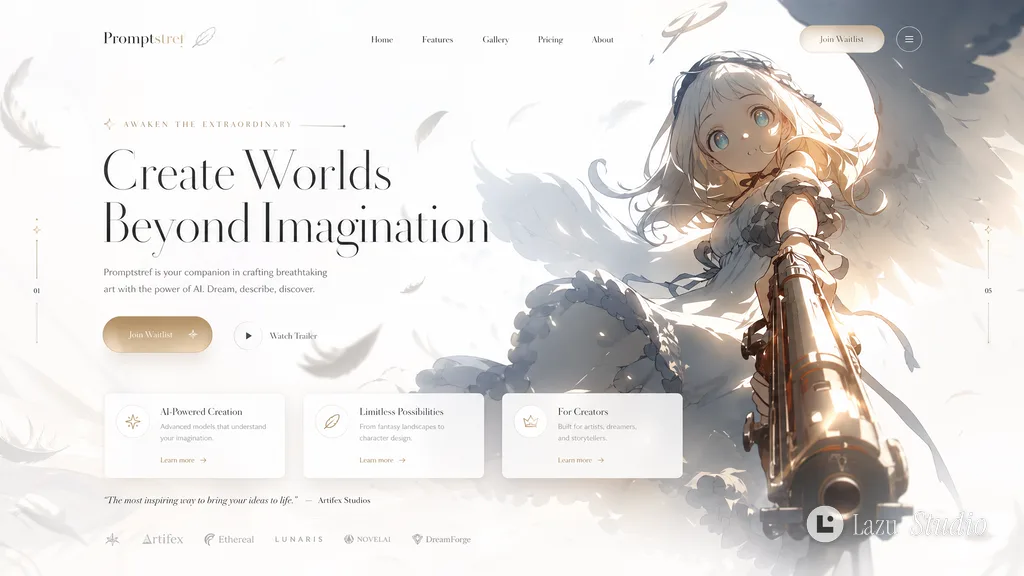
参考画像スタイルのランディングページ・テンプレート
Create a landing page using this image as a reference for style and color
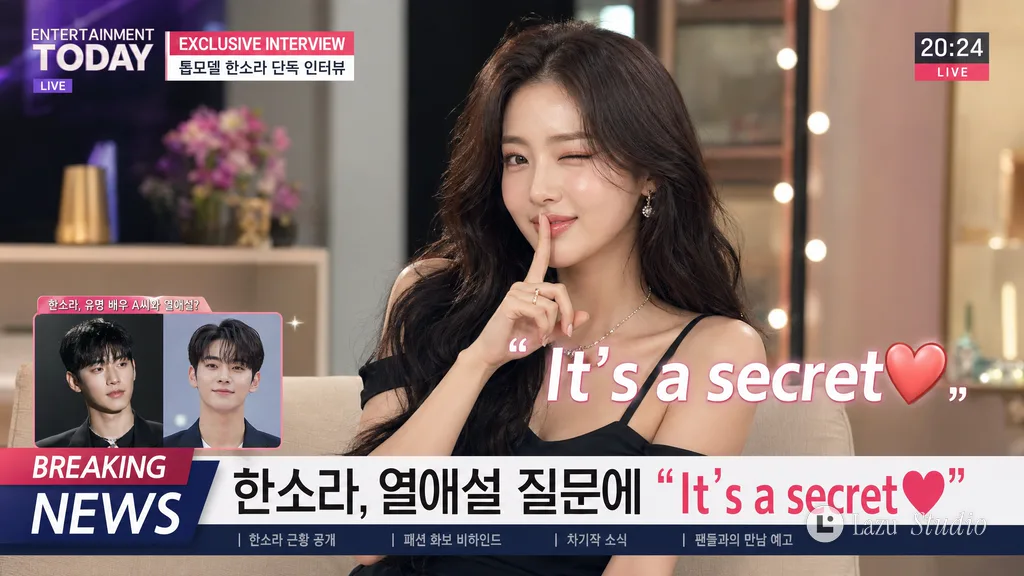
秘密の恋を語る芸能人テレビインタビュー
{argument name="aspect ratio" default="16:9 landscape"}. {argument name="model" default="A model girl"} is being asked by an entertainment reporter about {argument name="interview topic" default="a romantic relationship with another male celebrity"}. During a TV interview, a caption saying "{argument name="caption" default="It's a secret❤"}" is added to the screen. The screen is a talk show layout with a picture-in-picture window in the bottom left and a time display in the top right. Configure the screen with captions like 'Breaking News' or 'Exclusive Interview'. The model girl says, 'It's a secret❤' with an appropriate pose, putting a forefinger to her mouth and winking with one eye.
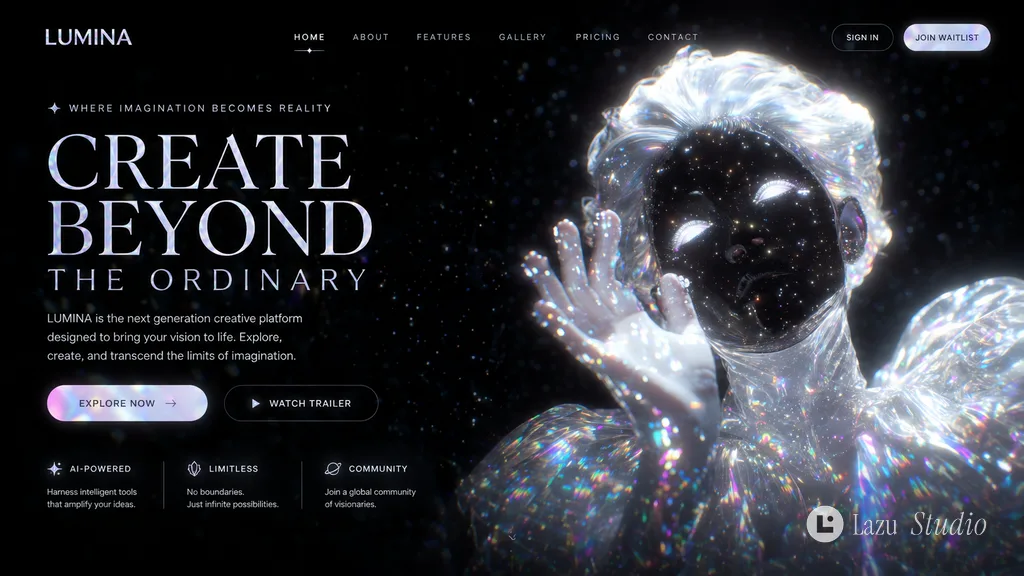
参考画像スタイルのランディングページ・テンプレート
Create a landing page using this image as a reference for style and color
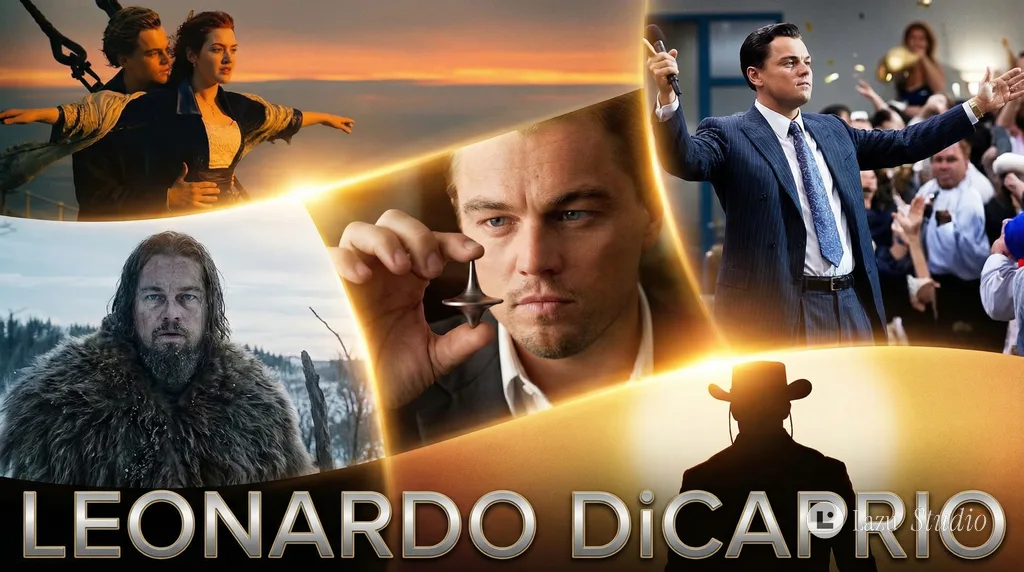
レオナルド・ディカプリオのキャリア名場面エピックポスター
Create an epic poster showcasing the most iconic moments of [Leonardo Wilhelm DiCaprio] career. epic, cinematic, lens flare
YouTube サムネイルのプロンプトの書き方
書き方は 5 つ。一行変えるだけで使えます。
-
1
1 枚にひとつのことだけ
スマホでは親指ほどの大きさ。被写体ひとつ、動作ひとつで十分です。
例:ガラスの小屋の前に立つ人
-
2
表情や動作を書く
少し大げさな表情が、指を止めさせます。
例:驚いた顔でカメラを見る
-
3
文字は 5 語まで
かぎかっこに入れ、太字・白文字・縁取りと書けば小さな画面でも読めます。
例:太い大きな文字「-30°C で一泊」
-
4
被写体と文字は左右に分ける
人は左、文字は右と書けば、顔に文字がかぶりません。
例:人物は左、右 3 分の 1 に文字
-
5
コントラストを強く
明るい被写体に暗い背景、またはその逆。フィードでひと目で見つかります。
例:青紫の夕暮れの空、人物に暖かい光
サムネイルの作例
ポスターの作品をすべて見る